

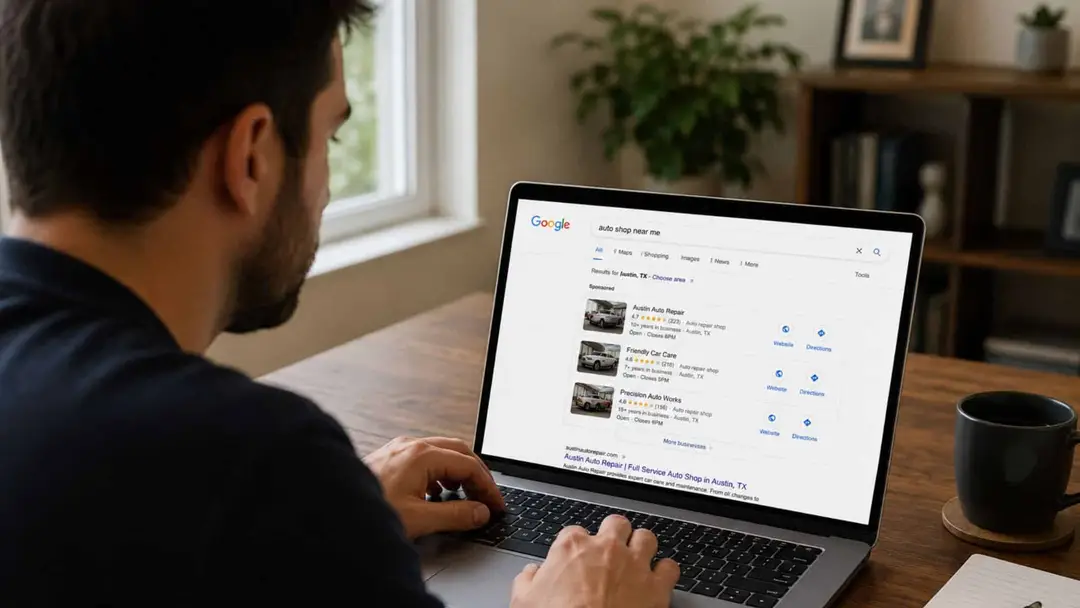
A shop owner pulls up his own website on his phone. It takes seven seconds to load. The hero photo is a stock image of a smiling mechanic he has never met, holding a wrench in a bay that looks nothing like his bay. The phone number is buried in the footer. The "Services" page is a single paragraph with twelve bullets. There is no booking form. The "About" page still says "Coming soon." It has said "Coming soon" since 2019. The shop owner knows the site is bad. He has known for three years. What he does not know is whether to spend $4,000 on a rebuild, $400 a month on an all-in-one builder, or nothing at all and just lean on the Google Business Profile his last marketing vendor "optimized." The vendor said the site barely matters anymore. He said Google Maps is the whole game. Most owners hear some version of this every quarter and most owners are half-right and half-wrong about what to do with it. So let's run the diagnostic the way you would run it on an intermittent stall. We are not going to argue about design taste. We are going to define what a shop website actually has to do, in what order, where the leak between the GBP and the call happens, and the math on whether your current site is suppressing the rest of the marketing engine or quietly carrying its share.
What the Website Is For, Now That the GBP Does Half the Work
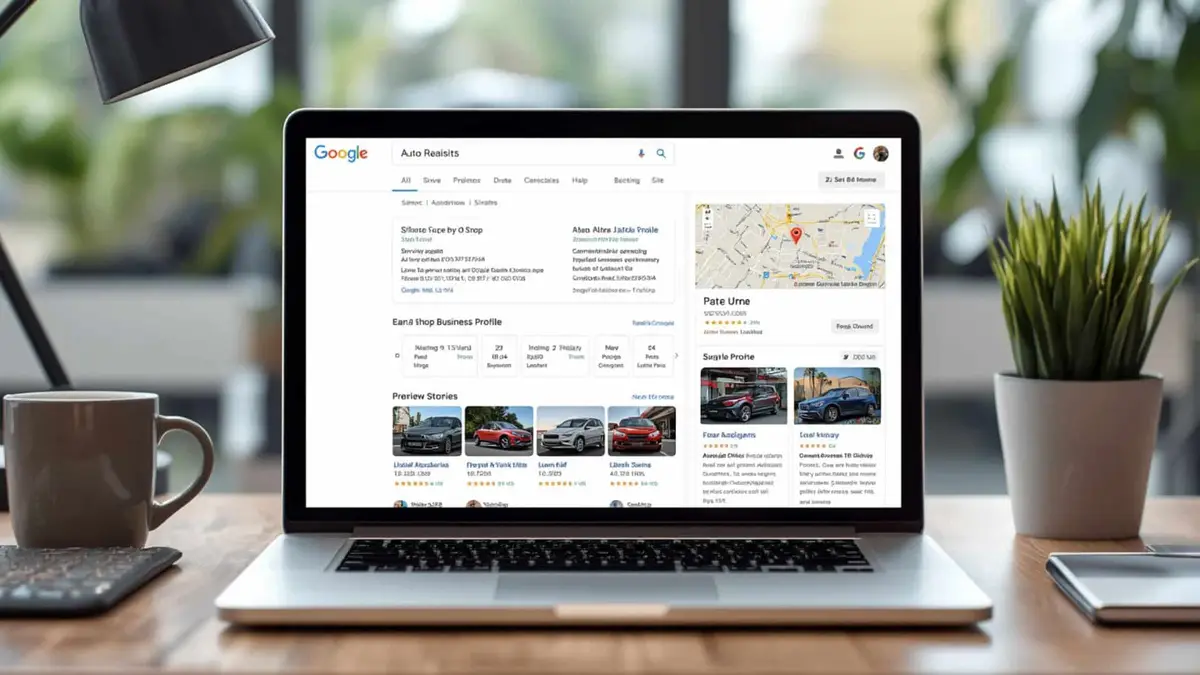
Here is the part that confuses most owners. Five years ago, the website was where local customers went to evaluate a shop. They typed the shop name into Google, clicked the website, read the About page, scanned the services, then called. The site did the entire pre-call conversion.
That is not what happens anymore. Today, the Google Business Profile does most of that work. The 3-pack listing shows the phone number, the hours, the rating, the recent reviews, the photos, the services list, and a call button, all before the prospect ever leaves Google. A real chunk of shop traffic now calls or books directly from the GBP without ever loading the website. Getting into that box is its own job, covered in how to rank in the Google 3-pack for mechanic near me.
That has led a lot of vendors to tell shop owners the website does not matter. They are wrong, and the wrongness costs shops real money. The website matters more than it used to, in a narrower way. It is no longer the discovery layer. It is the conversion layer that catches the GBP traffic that does click through, and the on-site SEO chassis that feeds Google the signals that keep the GBP ranking in the first place.
A shop website has four jobs. Catch: land the click from the Google Business Profile on a fast, mobile-first page with the phone number in reach. Confirm: prove this is the right shop with real photos, embedded reviews and a page for the specific service. Convert: get the call or the booking in one tap. Feed: tell Google what the shop does, with service pages, schema markup and internal links, so the GBP keeps ranking.
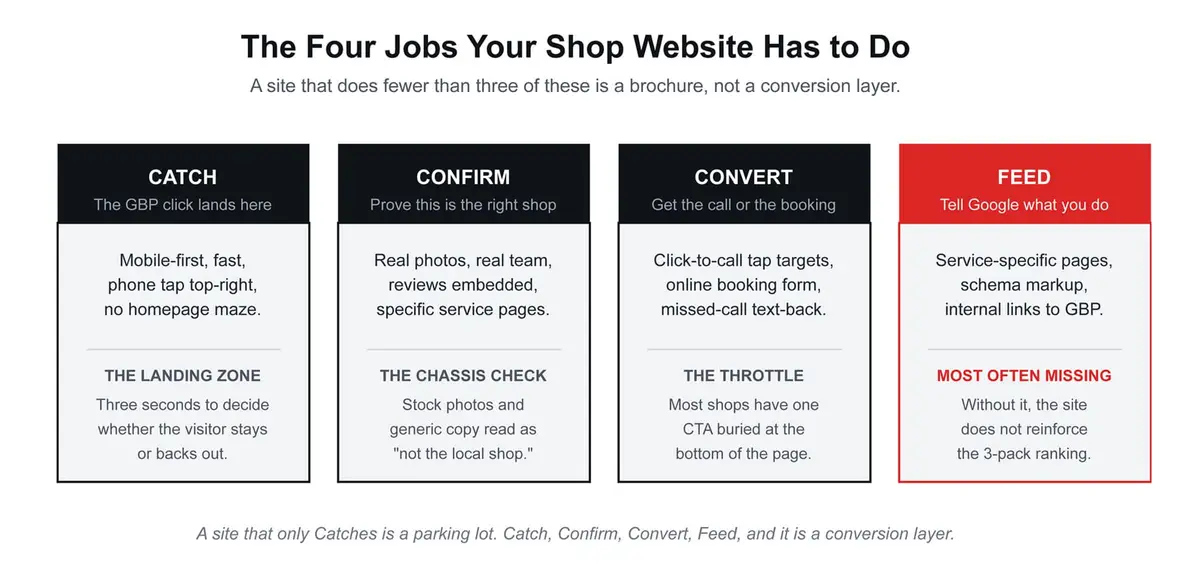
A site that handles Catch and Confirm but skips Convert is the most common pattern in auto repair, and it is also the most expensive leak. The visitor showed up. The visitor liked what they saw. The visitor could not find a fast way to call. The visitor went back to Google and clicked the shop two slots down whose phone number was the largest thing on the page.
The first read: the website's job is to catch the GBP traffic and convert it. Not to win a design award. A site that does both jobs cleanly out-converts a prettier site that does neither, every time.
The Six Layers, In Build Order
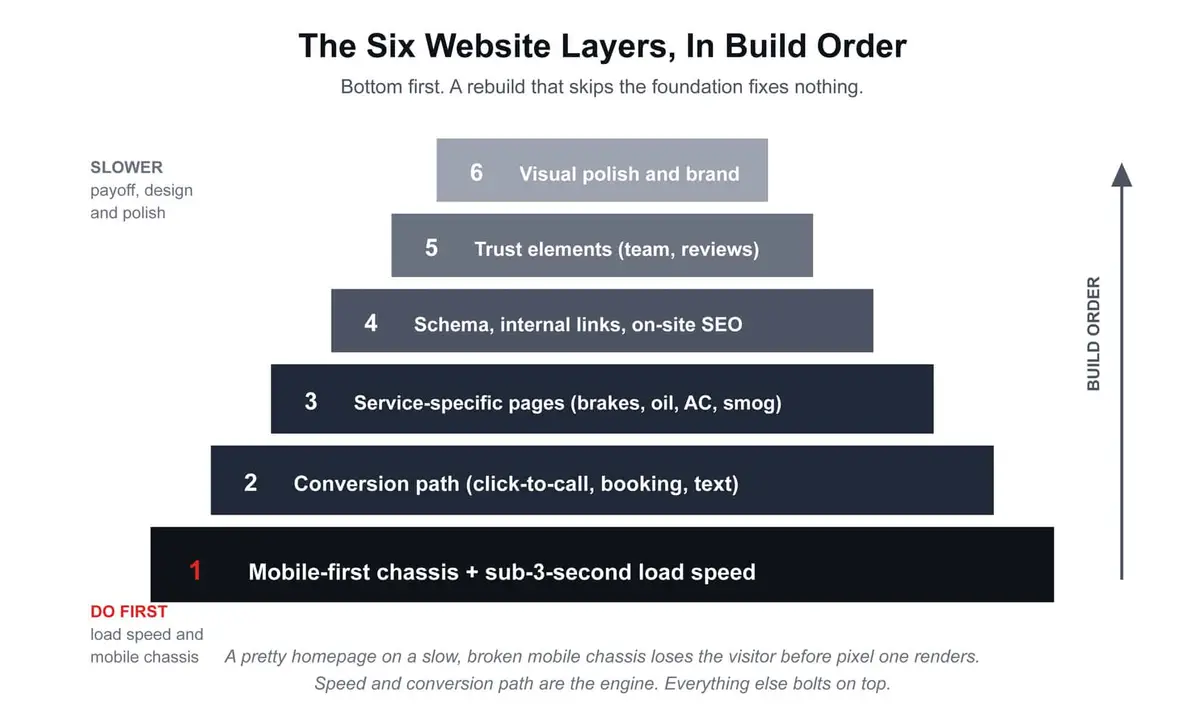
If you are rebuilding, or even auditing what you have, the layers do not all carry the same weight, and they do not respond to work at the same speed. Build them in this order. The order matters because the lower layers carry the weight the upper ones cannot.
1. Mobile-first chassis and sub-three-second load speed
Most people searching for a mechanic are on a phone, often standing next to the car that will not start. If your site is "mobile responsive" but loads in seven seconds on a phone over LTE, a large share of them are gone before the page renders. Google's own research with SOASTA found that as mobile page load time goes from one second to three seconds, the chance a visitor bounces rises 32 percent.
The fix is unglamorous. Compress every image. Strip the page builder plugins that are loading 40 separate scripts. Use a host that serves from a CDN. Get the homepage's Largest Contentful Paint under 2.5 seconds on a mid-range phone, not on your office desktop. If the site is built on a 2018 WordPress theme stacked with six page-builder plugins, this layer alone may be the case for a rebuild. If you would rather hand that work off, it is what our website speed optimization for auto repair shops covers.
This is layer one because nothing else matters if the page does not load. Visual polish on a slow site is a paint job on a seized engine.
2. The conversion path: click-to-call, online booking, missed-call text-back

Once the page loads, the visitor needs to convert in one tap. Not two. Not three. Not "scroll past the slider, hover the menu, find the form, fill the form, hit submit, wait for a confirmation email." One tap.
The minimum conversion path for a shop site:
Phone number as a click-to-call tap target in the header, visible on the first screen of every page, on mobile, with a real tappable hit area (44 pixels minimum, the iOS guideline).
A "Book Service" or "Request Appointment" button that opens a real form, not a generic contact form. The form asks for name, phone, vehicle, and the service needed. That is it. Nothing else. Every additional field cuts the conversion rate further than most shop owners would believe.
Missed-call text-back wired to the phone number, so a visitor who calls and gets voicemail gets an instant SMS back: "Sorry we missed you, this is [Shop Name], we can text or call you back, what is the issue?"
A chat widget on every page, routed to a staffer phone or to the CRM, for the visitor who would rather type than call.
Conversion path is layer two because, after load speed, this is the single largest leak in most shop sites. The traffic showed up. The site held it. The site failed to give it a path. That is the entire game. The text-back only works if you can see the calls you missed, which is what missed-call tracking for auto shops is for.
3. Service-specific pages, one per major job
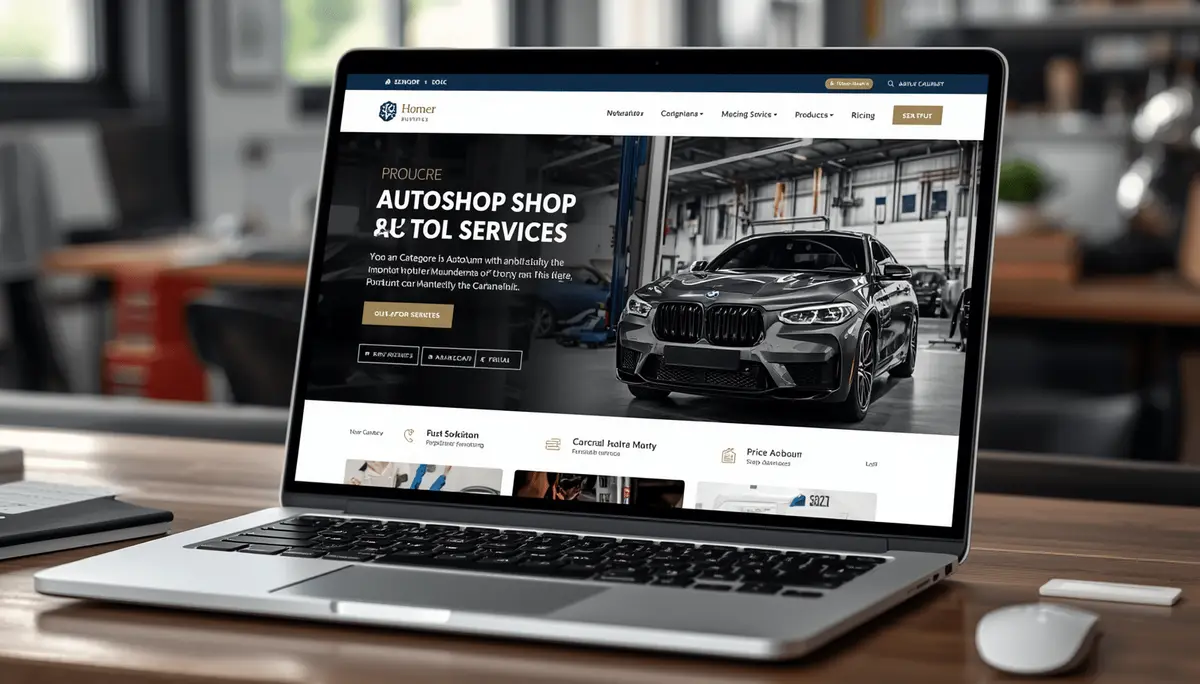
Most shop websites have one "Services" page with a list of bullets. That is a leak both in conversion and in SEO. A visitor searching "brake repair Riverside" who lands on a page that mentions "brakes" as bullet number four out of twelve does not feel like they have found a brake shop. They feel like they have found a generalist. They scroll back to Google and click the shop whose page is titled "Brake Repair in Riverside" with 600 words about brakes.
Build a real page for every major service:
- Brake repair
- Oil change and lube service
- Transmission service
- AC repair
- Check engine light and diagnostics
- Smog inspection (where applicable)
- Tire service
- Battery, starter, alternator
- Whatever specialty work defines your shop
Each page is 500 to 900 words written for a real customer searching that specific service, not for a search engine. Include the symptoms a driver would type, the typical price range or the honest reason you cannot quote without seeing the car, the process you run, the warranty you stand behind, the photos of the work, and a call-to-action that matches the service ("Schedule a brake inspection" beats "Contact Us").
Service-specific pages do two things at once. They rank for the long-tail searches your homepage cannot rank for. And they confirm to Google that your GBP services list is telling the truth, which strengthens the 3-pack rank you already have. This is where most "we need more traffic" conversations should start, and it is also where most shops have done the least work. Service pages are the on-site half of local SEO for auto repair shops. The Google Business Profile is the other half.
4. On-site SEO scaffolding: schema, internal links, local content
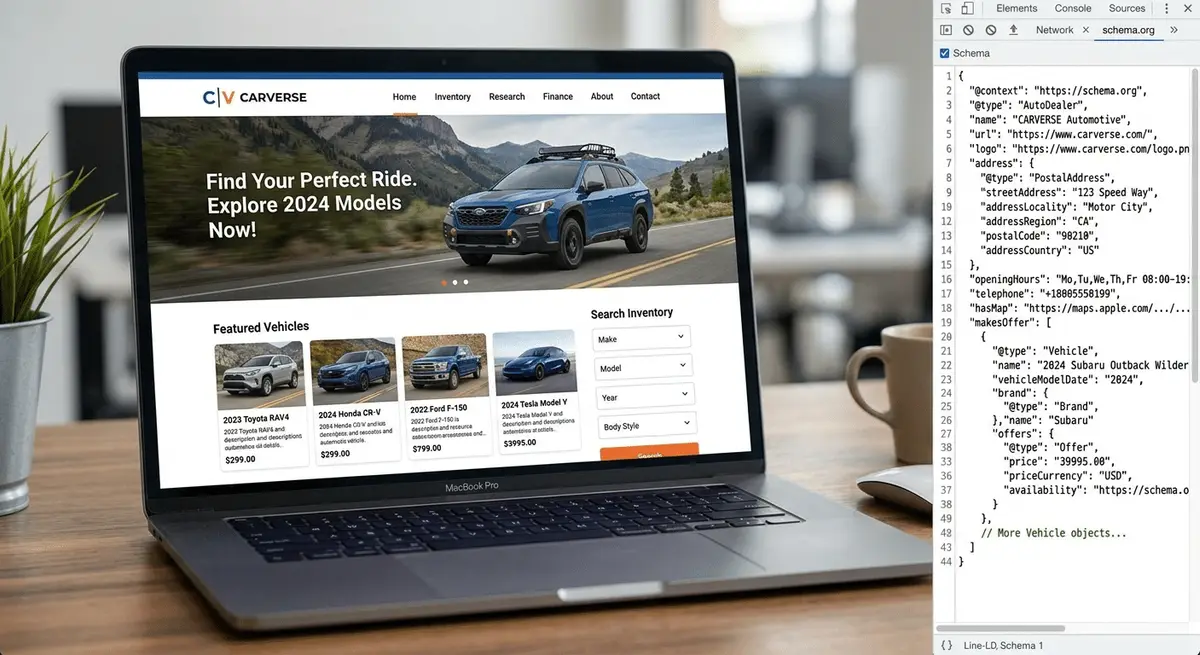
The technical layer that supports layers one through three. Local business schema markup on the homepage and contact page tells Google explicitly what your business is, where it is, and what hours you keep. Service schema on each service page tells Google what each one is for. Do not count on review stars showing up in search results from your own site. Google stopped showing them for businesses that mark up reviews of themselves in 2019. Your stars live on the Google Business Profile, which is one more reason to embed those reviews on the site.
Internal links matter too. The homepage links to every service page. Every service page links to the contact page and to a relevant blog post or FAQ. The blog posts link back to the relevant service pages. The contact page embeds the Google Map pointing to your GBP. The whole site reads, to Google, as one tight cluster of evidence that you are a real local auto repair shop.
City or neighborhood content goes here too. Not 200 spammy doorway pages for every zip code in the county. Real pages for the two or three communities you actually serve, with content that reflects the real driving in those areas. "Brake repair for Riverside commuters who drive the 91" beats "Brake repair Riverside Corona Norco Eastvale Jurupa Valley Moreno Valley."
5. Trust elements: real photos, real team, embedded reviews
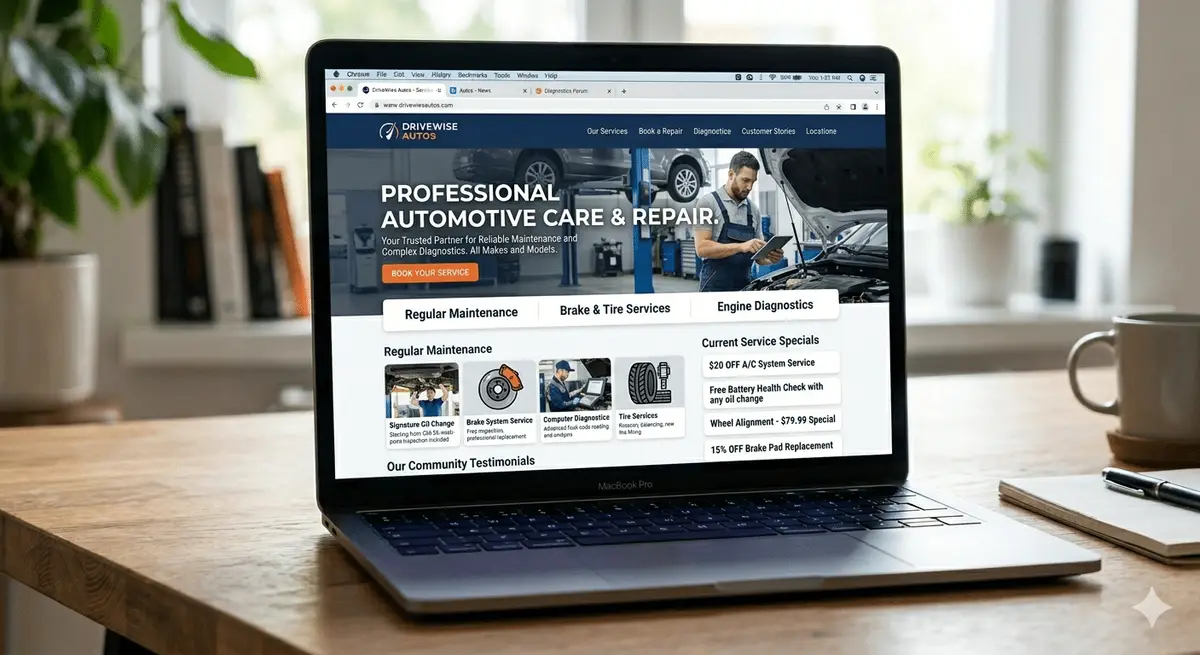
Now you fix what most shop owners think about first and what actually sits at layer five. Real shop photos beat stock photos. Always. A photo of your actual front door, your actual waiting area, your actual lift bay, your actual team in their actual shirts, converts at a meaningfully higher rate than a stock image of a smiling mechanic from a photo library.
Trust elements to build:
A "Meet the Team" page with real names, real photos, and one honest paragraph about each person. The shop owner first. The lead tech second. Whoever else customers see when they walk in.
Embedded Google reviews, pulled live from the GBP, displayed on the homepage and on every service page. Real reviews, with the customer name and the date, not curated testimonials.
Photos of completed work, before and after, for the kinds of jobs customers will recognize.
Certifications and affiliations: ASE, AAA-approved, manufacturer specializations, BBB, anything legitimate. Not as a chest-thump. As proof that someone real vetted the operation.
A short, plain-English "Why Us" section that names the actual reason customers come back, written like a human wrote it.
This layer is fifth, not first, because trust elements on a slow site with no conversion path convert almost nothing. Build the chassis first, then bolt the trust elements on top.
6. Visual polish and brand

Now, and only now, you spend time on the design. The colors that match your shop. The typography that reads cleanly. The hero image that is your shop's actual front door. The little details that make the whole thing feel intentional instead of slapped together.
Visual polish is sixth because a polished site on a broken chassis converts worse than a plain site on a good chassis. The reverse is also true. Most shop owners and most low-end agencies spend 80 percent of the rebuild budget on layer six and 20 percent on layers one through five. The math runs backwards.
The order is not optional. Chassis first. Conversion path second. Service pages third. Schema fourth. Trust elements fifth. Polish sixth. Skip the order and you will spend $4,000 on a website that looks better and converts the same.
Should You Rebuild or Patch What You Have?
The right question is not "is my site bad." Every shop owner already knows the answer to that. The right question is "would a rebuild move more dollars than a patch."
Use this triage:
Patch the site if:
- The chassis loads in under three seconds on mobile.
- The platform (WordPress, Squarespace, whatever) is current and you have admin access.
- The conversion path is mostly there and just needs better placement and a working booking form.
- The service pages exist but need depth.
Rebuild the site if:
- The page load on a phone is over five seconds and you have already tried compressing images.
- You do not control the domain, do not have admin access, or the original builder has vanished.
- The platform is a deprecated builder or a 2017 WordPress theme nobody supports.
- The site is not mobile-first and "going responsive" would require rewriting half the templates.
- The site has fewer than three real service pages and no clear path to add them inside the current setup.
A rebuild done right is not $400 a month and a templated drag-and-drop. It is also not a five-figure custom build by default. The middle ground is a clean, fast, conversion-focused build on a maintainable platform, with the layers built in the order above and the GBP and CRM wired into the conversion path from day one. The platform choice matters less than the order of operations. That order is how we approach auto repair shop website design.
The Math, the Way a Shop Owner Runs It
Now price the work against the reward.
Say your shop's website currently gets 400 visitors a month from organic search and from clicks off the GBP. With a slow site, a missing conversion path, and no service-specific pages, your site is converting roughly 1 percent of those visitors into a call or a form submission. That is 4 contacts a month from a marketing channel you are already paying to drive traffic to.
Now imagine the site is rebuilt to do its four jobs. Load speed under three seconds. Click-to-call in the header. Booking form that works on a phone. Missed-call text-back. Real service pages. For this example, assume the conversion rate climbs from 1 percent to 3 to 5 percent on the same traffic. Take the conservative end. The site now converts 3 percent of 400 visitors, which is 12 contacts a month.
The math: 8 incremental contacts a month, at a 45 percent contact-to-booked-RO rate, is roughly 4 incremental ROs per month. At an average RO of $450 with a 50 percent gross margin, that is roughly $900 in incremental monthly gross profit, or $10,800 a year, off the existing traffic alone, with no additional ad spend, no additional SEO work, no additional anything except a working site.
Now layer the SEO compound effect on top. The new service-specific pages start ranking inside 90 to 180 days for the long-tail searches your old single-page site never touched. That brings in additional traffic that the better-converting site captures at the same higher rate. Twelve months in, the site is moving meaningfully more revenue than it was, and the math against a $4,000 to $9,000 rebuild closes inside the first year.
The compounding part is the point. A website rebuild is not an expense that gets re-paid every month like an ad spend. It is a capital improvement. Once the layers are in, they keep converting at the higher rate every month with no additional money spent. At roughly $900 a month, a $4,000 to $9,000 build pays for itself somewhere between month five and month ten, and every month after that is yield.
What It Looks Like When the Site Is Part of the System
When the website is rebuilt as the conversion layer underneath a full local marketing engine, the effect shows up in cost per lead, not in vanity website traffic numbers. The site is not the channel. The GBP is the channel, the paid ads are the channel, the organic search is the channel. The site is the chassis that catches what those channels send.
We worked with an independent European auto repair shop in the Inland Empire. Over two years, the shop tripled its leads on the same monthly ad budget, and its cost per lead on Google Ads dropped 65 percent. Between late 2024 and early 2026, its Google Business Profile map views grew from about 540 a month to more than 8,000.
None of those numbers came from the website alone. Paid search, the Google Business Profile and a steady flow of reviews did the reaching. The site's job was to catch what they sent and turn it into calls, which is the whole argument of this article.
That is the difference between treating the website as a brochure and treating it as the conversion layer.
What to Do This Week, In Order
If you can give this one afternoon, do it in this order before you write a check to anyone for anything:
1. Open your website on your phone, over LTE, away from your office wifi. Count the seconds to first paint and the seconds to the page being usable. Anything over three seconds is the foundation problem and the first thing to fix.
2. Tap the phone number on the homepage. Did it call? Was it the right number? Was it visible in the first screen without scrolling? If no on any of those, that is the conversion path leak, and it is the second fix.
3. Look at your services page (or pages). Count how many of your major services have a dedicated page with 500 or more words. If the answer is zero or one, your site is suppressing your GBP rank and your search traffic at the same time.
4. Run Google's PageSpeed Insights on your homepage and on one service page. Note the mobile score and the Core Web Vitals. Anything red is in the first three layers of the build order and should be triaged accordingly.
5. Pull your last month of phone calls from the website. Compare against the same month of GBP calls. If the website is producing under 20 percent of the calls the GBP is producing, your conversion layer is leaking the rest, and the rebuild question answers itself.
That is the diagnostic. None of it requires a vendor pitch. All of it gives you the actual case for what to fix, what to patch, and what to replace.
The shops that get the most out of their websites in the next 24 months are not the ones who pay the most. They are the ones who build the layers in the right order, on a platform that does not fight them, with the conversion path wired into the rest of the engine. Same internet, different chassis underneath.
If you want a faster read on which layer of your site is leaking and how it is working with your Google Business Profile right now, book a free Shop Audit. We look at what a prospect's phone actually renders when they tap your listing, where the call path breaks, and which one fix moves the most weight first. No admin access required.